Plan, assign and track
every drone job.
One workspace for your jobs, crews, aircraft and flight records.
See Console at work
Current Console navigation with earlier demo workspace captures. Pick a view.
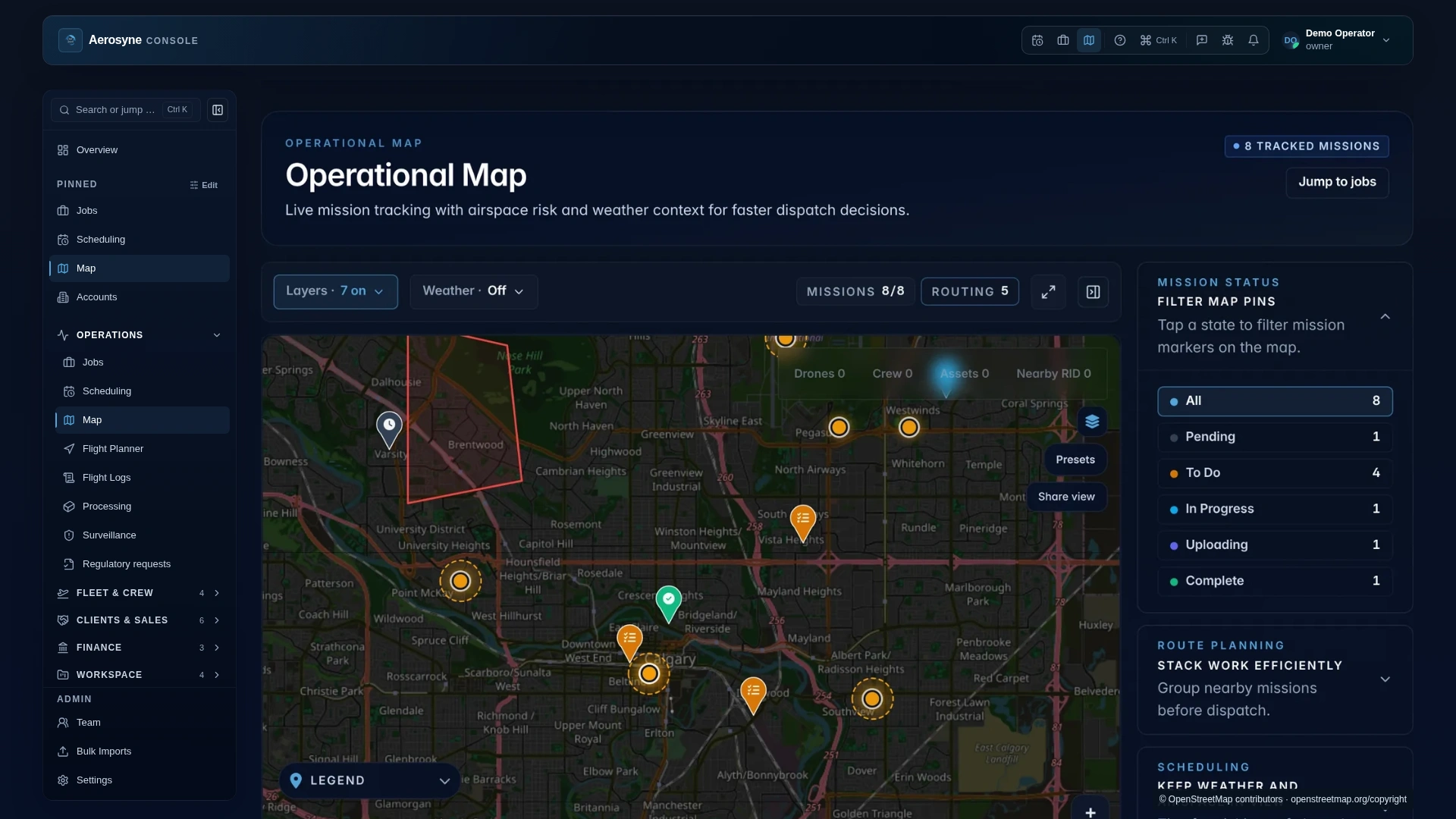
Every scheduled job on one operational map, with mission status, airspace and weather context in view.
One record for everyone on the job.
Coordinators
Schedule jobs, match pilots and aircraft to each window, and catch conflicts before dispatch.
Fleet and schedulingPilots
Assignments arrive in Aerosyne Pilot, and flight records sync back to the job they belong to.
Meet Aerosyne PilotClients and account teams
Deliver files through the client portal and close jobs once the work is approved.
How deliverables work
From Console to the field, and back.

Current Console navigation with preserved demo workspace imagery · current native Pilot UI with simulated mission data and illustrative AI-generated mock camera imagery · Map imagery © 2026 Esri and its licensors.
Questions, answered.
What is Aerosyne Console?
Console is the workspace where commercial drone teams plan jobs, assign pilots and aircraft, keep flight records, and deliver work to clients.
How does it work with Aerosyne Pilot?
Console is where the team plans and assigns work. Pilot is the field app that receives those assignments and syncs flight records back. The operator stays in control of every flight.
Are these real screens?
These previews pair the current Console navigation with earlier Console workspace captures using fictional sample data. They are composites, not live sessions. Console is in public beta, so designs and features may change.
How do I get access?
Request beta access and we will follow up with the current onboarding steps for your team.